Fast and easy instant transfers

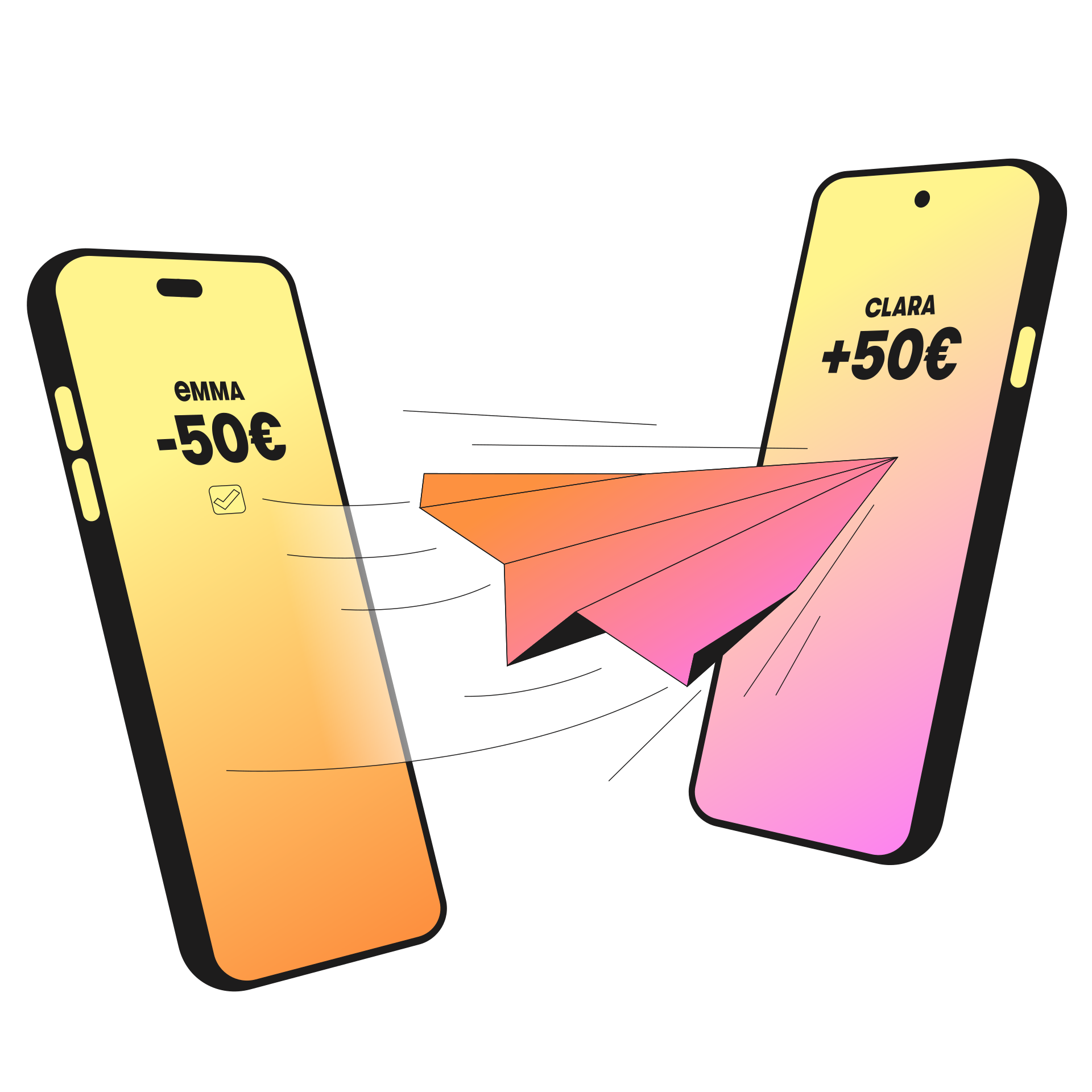
Send money in under 10 seconds without entering an IBAN, using just a phone number, email address, or a QR code.

Bill payments made simple

Pay your bills easily without entering any payment details, by scanning the QR code on the invoice.

Free and integrated with your BGL BNP Paribas accounts

Once linked to your account, Wero lets you send and receive money instantly and securely across Europe.

How to send money with Wero?

No need to enter an IBAN or share sensitive data: with Wero, sending or reimbursing money is simple, fast and free. Whether it’s for a restaurant, a gift or a trip, make an instant transfer and your recipient will receive the money in under 10 seconds.

Everything is done from the Wero app, linked to your BGL BNP Paribas accounts:

  • enter the amount to send;
  • select a contact using Wero via their phone number or email address;
  • or scan a QR code generated by the recipient;
  • no fees for transfers between individuals.

The payment is sent directly from your account, securely and instantly, and the recipient receives a notification right away.

Request money with Wero

With Wero, you can easily request money. It’s ideal for reimbursements after a restaurant, a shared purchase, or split expenses.

From the Wero app, choose ‘Request’, enter the amount, then select the recipient using their phone number or email address.

The person then receives a notification and can accept or decline the request.

Tip: If you are together in person, you can also generate a QR code by selecting ‘QR’. Your recipients simply need to scan it to complete the request, provided they also use Wero.

Did you know? Pay easily across Europe with Wero

With Wero, your instant mobile payments go beyond borders. Backed by Europe’s leading banks, Wero is now available in Luxembourg and already accessible in France, Germany, Belgium, the Netherlands and soon in other European countries.

The app meets the highest banking security standards: each transaction is validated by fingerprint, PIN code or Face ID.

How to pay your bills with Wero?

In Luxembourg, more invoices can be paid easily with Wero. No need to enter payment details anymore: payments become fast, smooth, and effortless.

All you need to do:

  • scan the Wero QR code on your invoice;
  • confirm the payment with your PIN code, fingerprint, or Face ID.

The amount is then debited directly from the account you registered in Wero, and the recipient is credited instantly.

How to pay for your online or in-store purchases?

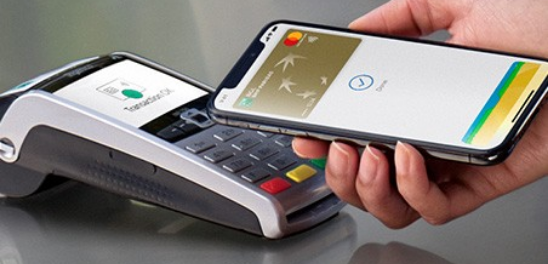
Many businesses in Luxembourg already offer payments via Wero. Paying for purchases, online or in-store, works the same way as paying bills. All you have to do is:


  • scan the QR code provided;
  • confirm the transaction. It is processed instantly.


Frequently asked questions 

  • icone faq question
    What is Wero?

    Wero is a payment solution that lets you send, receive and request money instantly using just a phone number, email address, or QR code.

  • icone faq question
    How to send money with Wero?

    Money transfers are made from the Wero app. Once your account is activated, simply enter an amount, choose a contact who also uses Wero via their phone number, email or QR code, then confirm the payment.

  • icone faq question
    Who can use Wero?

    To use Wero, you must be a BGL BNP Paribas client. You also need:

    • a euro current account;
    • a valid mobile phone number or email address;
    • the Wero app on your smartphone;
    • the Web Banking app on your smartphone.
  • icone faq question
    Can I add multiple bank accounts to Wero?

    Yes, you can connect several banks to your Wero account and choose which one to use for your payments.

    If your Wero account is already linked to another bank with your phone number, you can link a new bank using your email address. Conversely, if your account is linked with your email, you can use your phone number.

    This allows you to easily add another bank while keeping a single Wero account.

  • icone faq question
    I already have a Wero account with another bank, how do I add my BGL BNP Paribas account?

    If you already have Wero, it’s easy to add BGL BNP Paribas to your Wero app. In your existing accounts, click “Add account”, select BGL BNP Paribas from the available banks, then add the account you want to link.

  • icone faq question
    Is Wero free?

    Transfers between individuals via Wero are instant and free. The recipient usually receives the money in under 10 seconds and gets a notification.

  • icone faq question
    Who can I send money to with Wero?

    You can send money to a contact who also uses Wero. Wero is available in many banks across Europe.

  • icone faq question
    What is the difference between a Wero transfer and a SEPA transfer?

    A Wero transfer is an instant SEPA transfer. A SEPA transfer requires an IBAN, whereas a Wero transfer only requires a phone number or email address.