
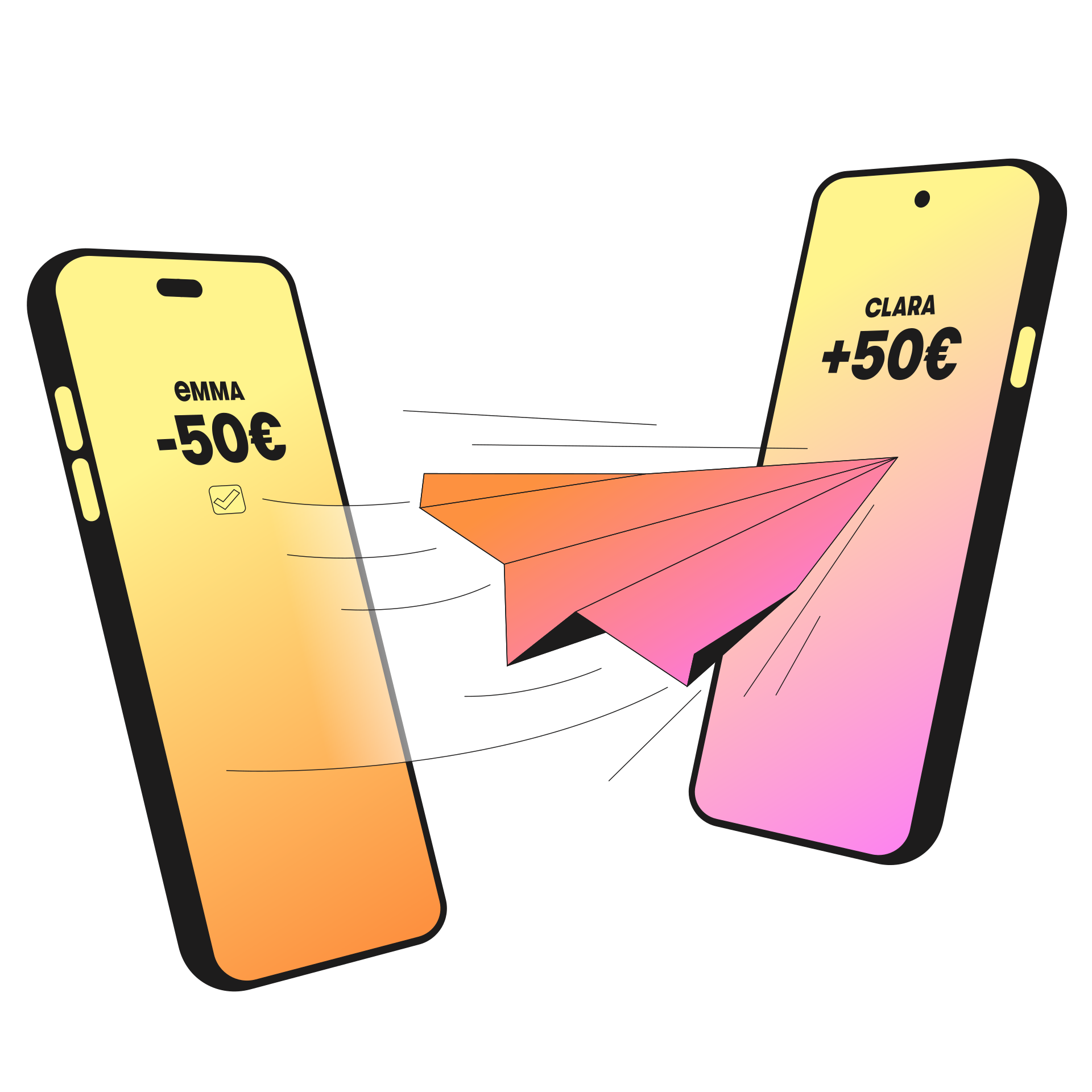


How to activate Wero payments?
|
Download the Wero app Install the Wero app on your smartphone, select BGL BNP Paribas, then choose “Open my bank app”. Good to know: To continue, you need to have the Web Banking app installed on your smartphone and your LuxTrust certificate. |
|
|
Link your BGL BNP Paribas account to Wero Your Web Banking app opens. Select the EUR current account(s) you would like to link to Wero from the list of compatible accounts, then click “Add to Wero”. Next, click “Return to Wero”. |
|
|
Complete your Wero registration The Wero app will open. Add your phone number or email address. Then, enter the code received and click “Use Wero”. Your Wero account is now activated! |